AUDIO
RESOURCE
Audio Engineering
Practical guides for building, mixing, and troubleshooting live sound systems.
- Gain staging
- Signal flow
- EQ basics
- Compression
- Monitors
- RF microphones
PRODUCTION RESOURCES
A growing technical resource hub for production teams, churches, events, creators, and anyone learning live production or IT.
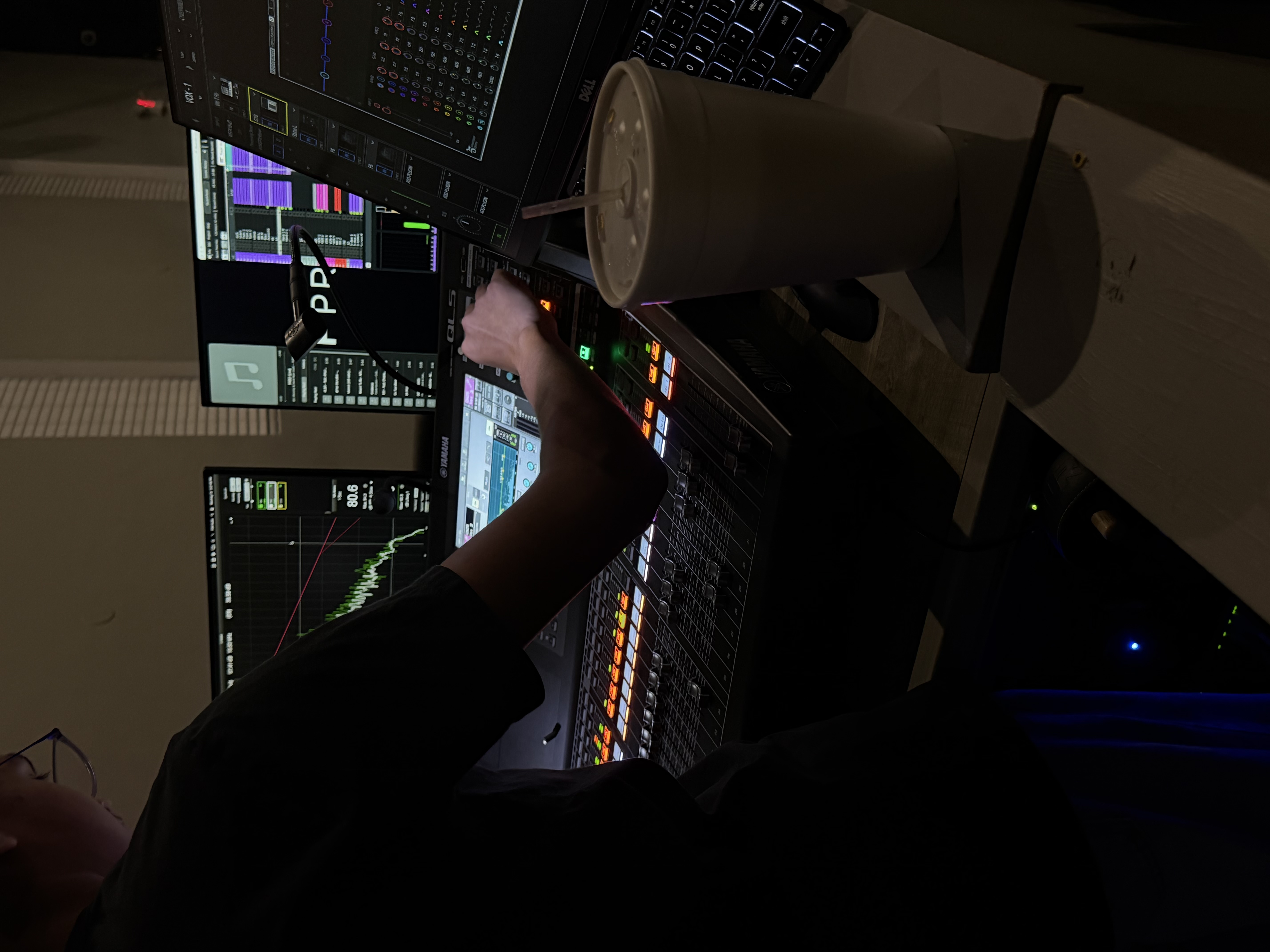
PRODUCTION IN ACTION
A look at the kind of audio, video, lighting, and show-control environments these resources are built around.
RESOURCE LIBRARY
AUDIO
Practical guides for building, mixing, and troubleshooting live sound systems.
VIDEO
Resources for cameras, switching, presentation systems, recording, and livestreams.
LIGHTING
Core concepts for programming and operating lighting systems for live events.
NETWORKING
Understand the network concepts that keep modern production systems connected.
IT
Troubleshooting help for computers, software, peripherals, storage, and production workstations.
SHOW DAY
Simple checklists to help teams move from setup to soundcheck to showtime.
QUICK REFERENCES
Verify power, cable paths, equipment connections, and system order before turning everything on.
Start at the source and follow the signal path one connection at a time instead of changing everything at once.
Check gain, routing, EQ, dynamics, speakers, and physical connections in that order.
Check link lights, cable connections, IP configuration, switch ports, and device status.
TECHNICAL ASSISTANCE
Echo Tech can walk through troubleshooting, setup, configuration, software, hardware, networking, and programming questions.
RESOURCE ROADMAP
The library will continue growing with step-by-step setup guides, troubleshooting workflows, system diagrams, checklists, and production references.